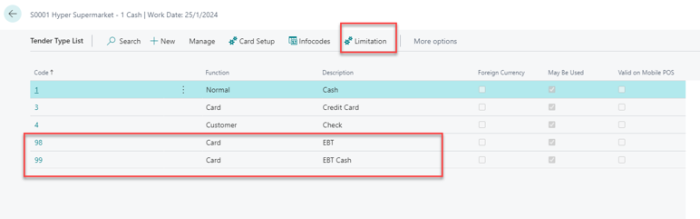
You must create two Tender Type Setup records: one for EBT Card and one for EBT Cash.
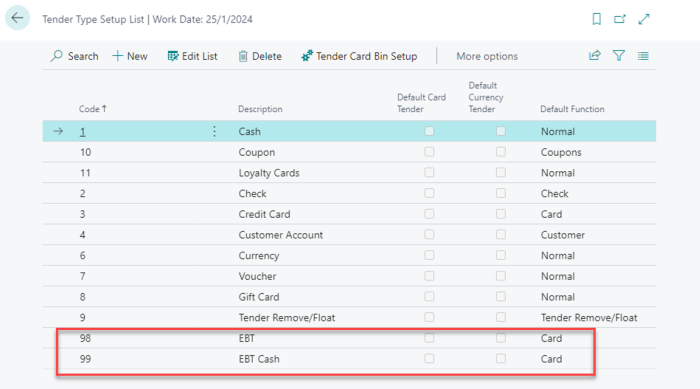
To set up the tender types in the Store:
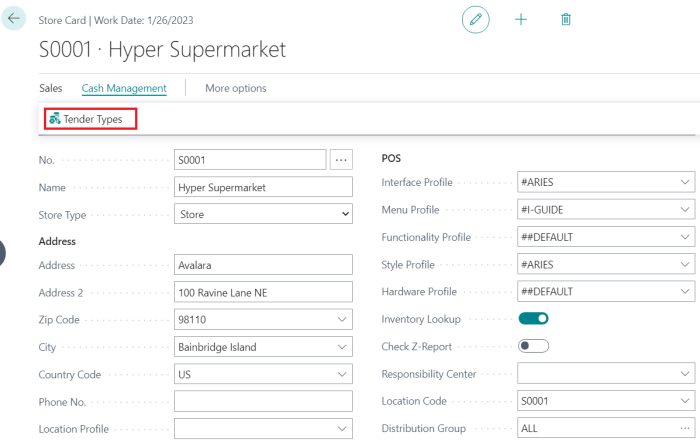
- Go to the Store Card, and select Tender Types.
- Create the two new tender types corresponding to the EBT Card and EBT Cash tender type setups. Each tender type can be assigned a limitation code.
Note: It is strongly recommended that each tender type be assigned only ONE limitation code.