Azure monitoring can be enabled to trace function execution, logging payloads and responses and monitoring failed message attempts. CentralConnect offers logging in to the LS Central client through the CentralConnect logging mechanism, allowing the user to have an overview over warnings and errors in CentralConnect.
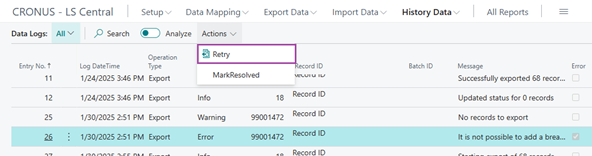
If the package fails, there is a function that allows the user to retry sending or receiving messages.
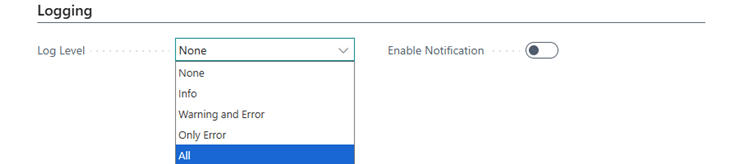
Logging level can be configured in the CentralConnect Configuration page.
- The user can set the level of logging.
- If the logging level is set to All, it logs everything, if set to Warning and Error it skips the info level but only logs Warning and Errors.
- Finally, if only Error is set, it only logs Errors that happen.
To monitor the logging table and automate email notifications, it is possible to connect with power automate, to automate the email alerts if something fails using events.