The Azure Application that was made in portal.azure.com needs to be registered.
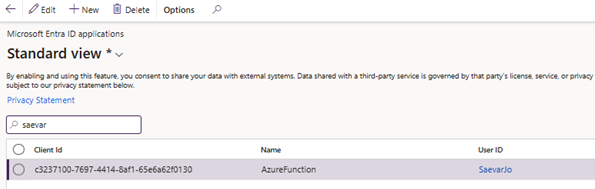
- Open the F&O client > System Administration > Setup > Microsoft Entra ID applications.
- Create a new record in the table.
- Take the Azure application client ID and insert, give it name and assign it to user.
-
Once the new line has been created, make sure that F&O instance has access to the Azure application and therefore the Service bus and storage.
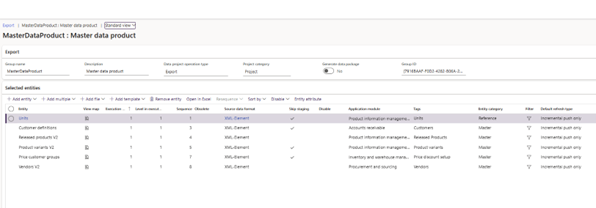
Regarding Master data that is done through System Administration > Workspaces > Data Management here is a new export project created.
Select the entity you want to flow between systems and select Incremental push only in the default refresh rate.
- This setting makes the delta process available.
- This can also be achieved in another ways if the customer wants a specific way.