In this article
To activate all three collections
Create Collections, with one option
eCommerce - Shopify Business Central Connector for LS Centra provides a feature to create collections based on Special groups, Product groups, and Item categories.
This feature lets you:
- Generate collections based on Special Groups, Product Groups, and Item Categories, allowing for organized and targeted product groupings.
- Add or remove items from collections as needed, keeping product selections up-to-date for promotions or seasonal changes.
- Change the location of items within collections to prioritize visibility or improve customer navigation.
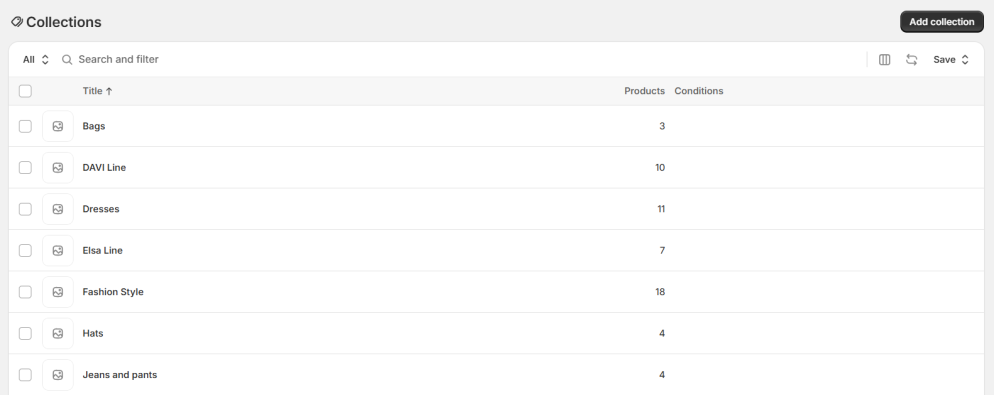
The following example illustrates the functionality of collections by enabling all three types of collections that are available:
To activate all three collections
-
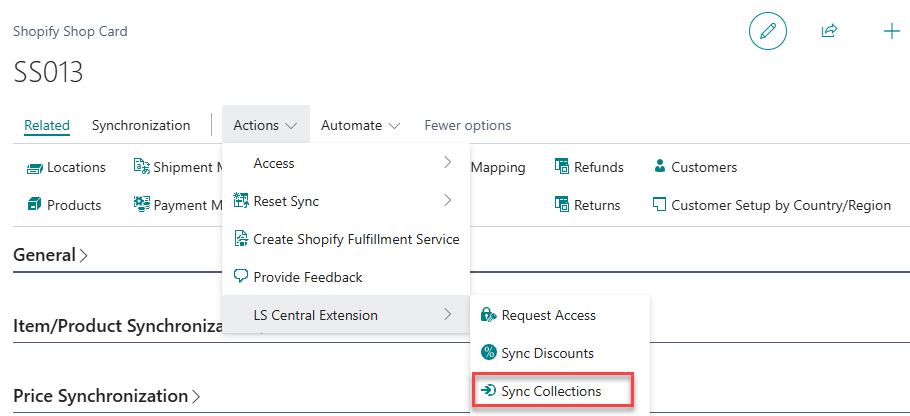
Go to the Shopify Shop Card page, and click Actions - LS Central Extension - Sync Collections to create collections on the Shopify.
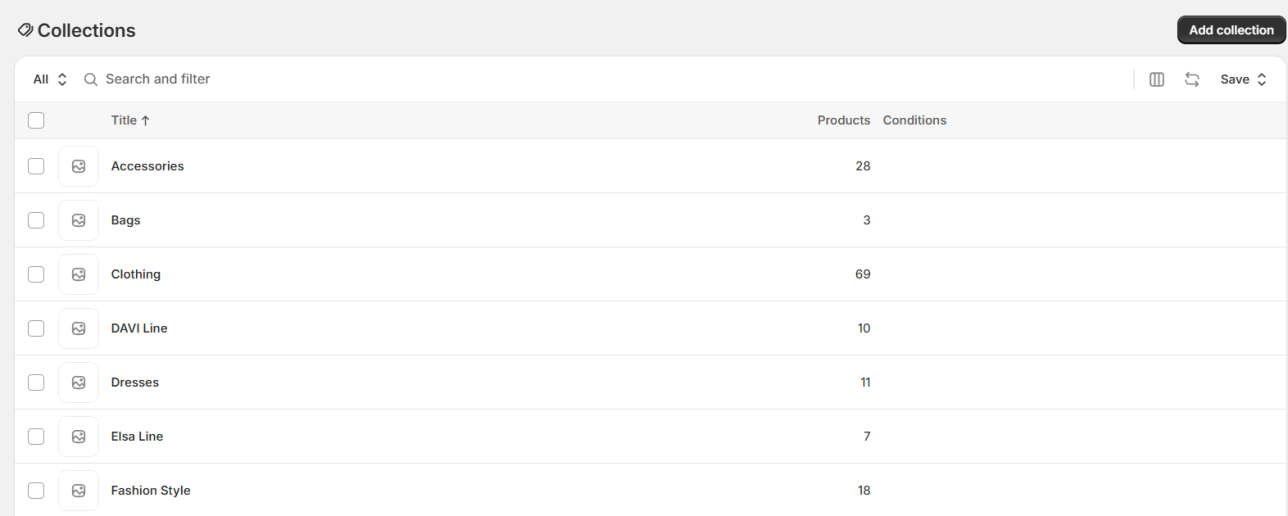
- Go to the Shopify Adminpage, and navigate to Products - Collections. The Collections page now has been updated with collections sync from LS Central.
Create Collections, with one option
- Go to the Shopify Shop Card page, and activate the Item Categories check box.
- Click Actions - LS Central Extension - Sync Collections to create a collection of Special Group on the Shopify page.
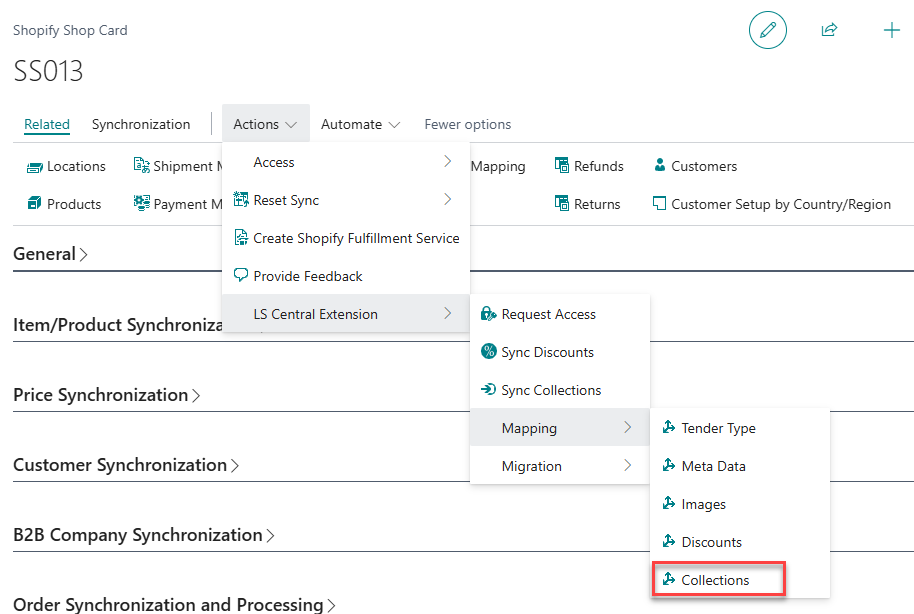
- Click Actions - LS Central Extension - Mapping - Collections to view the map groups of the Shopify Collection for Special Group Collection.
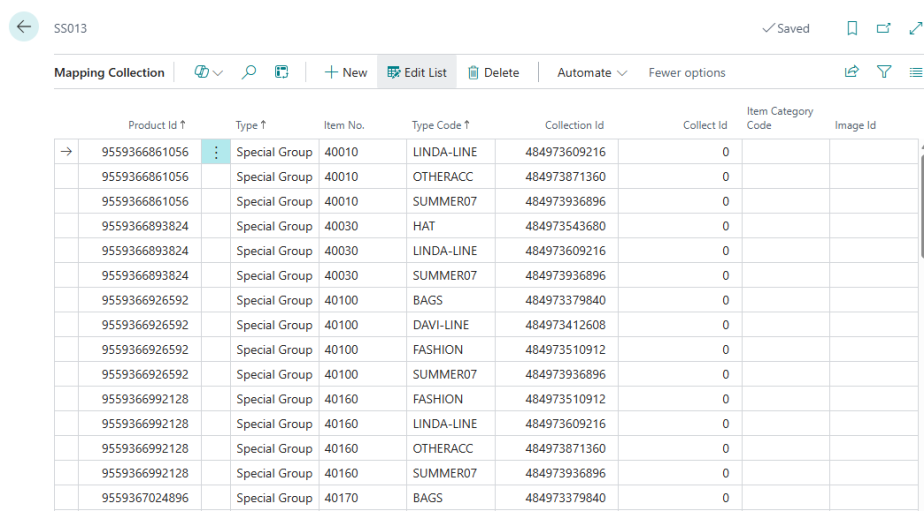
- Go to the Shopify page, and navigate to Products - Collections. You are redirected to the Collections page where you see the collection for collection type Special Group: