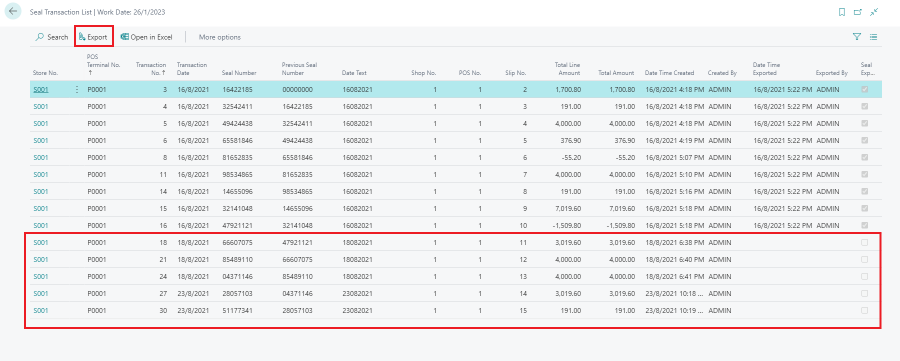
On the Seal Transaction List, records that have not yet been exported are marked with Seal Exported = No. Use the Export action to write these records to a .csv file.
- Click the
 icon, enter Seal Transaction List, and select the relevant link.
 - Review the Seal Exported column to identify pending transactions, then select Export.
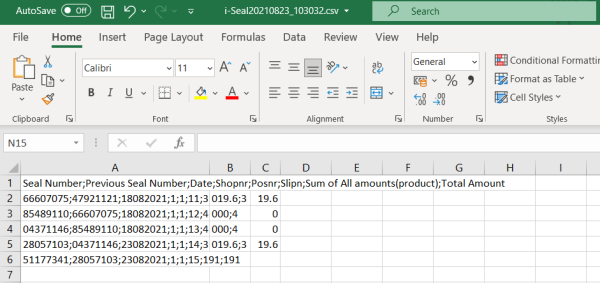
- The system writes the file information to a semicolon-separated .csv file. The file name uses the Prefix of Seal File defined on the BE Localization Setup page together with a timestamp.
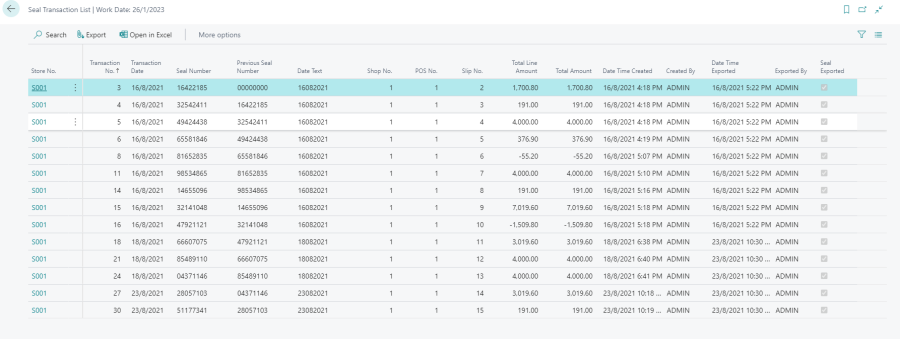
- The exported records are then marked with Seal Exported = Yes on the Seal Transaction List.
To move exported records out of the live list, see Archive Seal Transactions.