The Seal Transaction List grows over time because a record is created for every posted POS sale. Run the Archive Seal Transactions report to move exported records out of the live list and into the archive. Only records with Seal Exported = Yes are archived; unexported records remain on the live list.
Run the Archive Seal Transactions report
- Click the
 icon, enter Archive Seal Transactions, and select the relevant link.
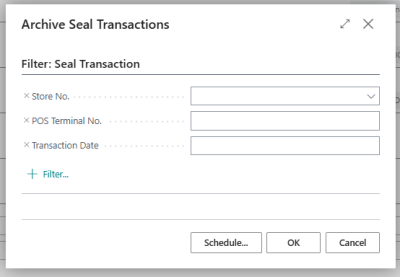
 - On the request page, optionally restrict the records to archive by setting filters on:
- Store No.
- POS Terminal No.
- Transaction Date
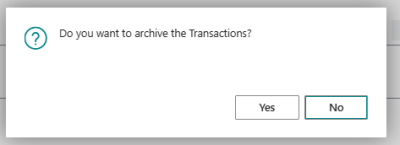
- Select OK. A confirmation prompt asks "Do you want to archive the Transactions?" — select Yes to continue.
The report copies each matching record from the Seal Transaction table to the Archive Seal Transaction table and removes it from the live list. A progress dialog shows the current Store No., POS Terminal No., Transaction No., and Seal No. as each record is moved.
When the run finishes, a message reports the total number of transactions archived.
View archived seal transactions
- Click the icon, enter Seal Transaction List, and select the relevant link.
- Select the Archived action to open the Archive Seal Transaction List. The archive list is read-only.
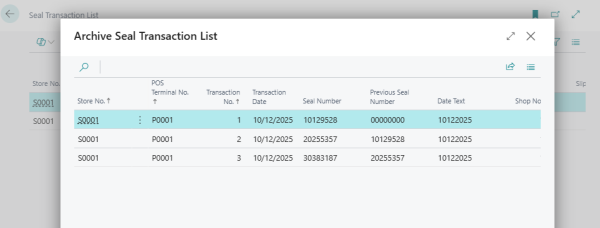
Note: Archiving does not change seal numbers and does not affect previously exported .csv files. It only moves records from the live list to the archive so that day-to-day work focuses on recent or unexported transactions.