In this article
POS login validation (Infrasec requirement)
This article covers POS behavior specific to the Infrasec TCS protocol. For Cash Invoice Form setup and Out of Order recovery, see Selling in the POS.
POS login validation (Infrasec requirement)
When logging in to the POS, LS Central sends a RegisterStatus request to Infrasec to verify the server connection.
- If the connection is successful, the POS login continues as normal.
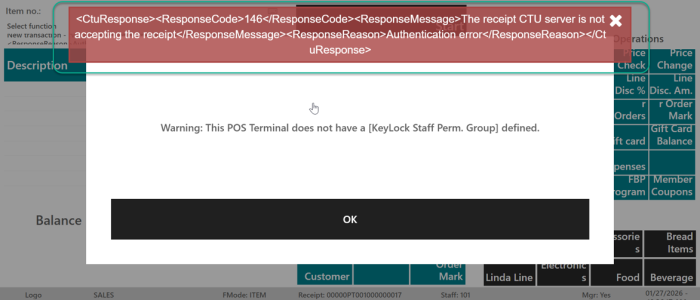
- If there is an issue connecting to the server, an error message is displayed in the POS, indicating that the connection check failed.
Normal Sale
When a cashier presses a tender key on the POS to complete a transaction, the following sequence runs automatically:
- Pre-tender validation: The system checks that the terminal has a valid fiscal configuration.
- For cloud mode: the Environment Type must not be None. If it is None, the tender is blocked and an error is shown to the cashier.
- For Hardware Station mode: the certificate must be present in Isolated Storage. If missing, the tender is blocked.
- Transaction posting: LS Central posts the transaction as usual.
- Fiscal entry creation: A Fiscal Entry record is created and the Last Slip No. counter is incremented by one.
- Fiscal signing: The transaction details — amounts, VAT breakdown, slip number, and Client Registration ID — are serialised into a TCS XML message and sent to Infrasec (via Hardware Station or directly, depending on configuration).
Note: Zero-amount transactions are not sent to Infrasec; a success result is recorded automatically.
- Response handling: Infrasec returns a signature and Control Unit Serial. These are stored on the Fiscal Entry and printed on the receipt footer.
Copy Receipt
When a receipt is reprinted from the POS, the following rules apply:
- First reprint: The system sends a kopia (copy) TCS request to Infrasec. The Last Copy Slip No. counter is incremented. The TCS request includes a Copy Sequence Number and Copy Date/Time. The copy slip number appears on the reprinted receipt.
- Subsequent reprints: Blocked. The POS emits a beep and does not print. Only one copy is permitted after the original receipt.
Note: If the original transaction had a fiscal error (Control Unit not Available), reprinting opens the Cash Invoice Form so the cashier can enter the required customer details.
Training Mode
When a POS terminal is operating in training mode:
- Receipts are signed with receipt type ovning (Swedish for "exercise/training").
- The Last Slip No. Test counter is used instead of the normal Last Slip No. counter. Training entries are kept separate from normal fiscal entries to satisfy Skatteverket audit trail requirements.